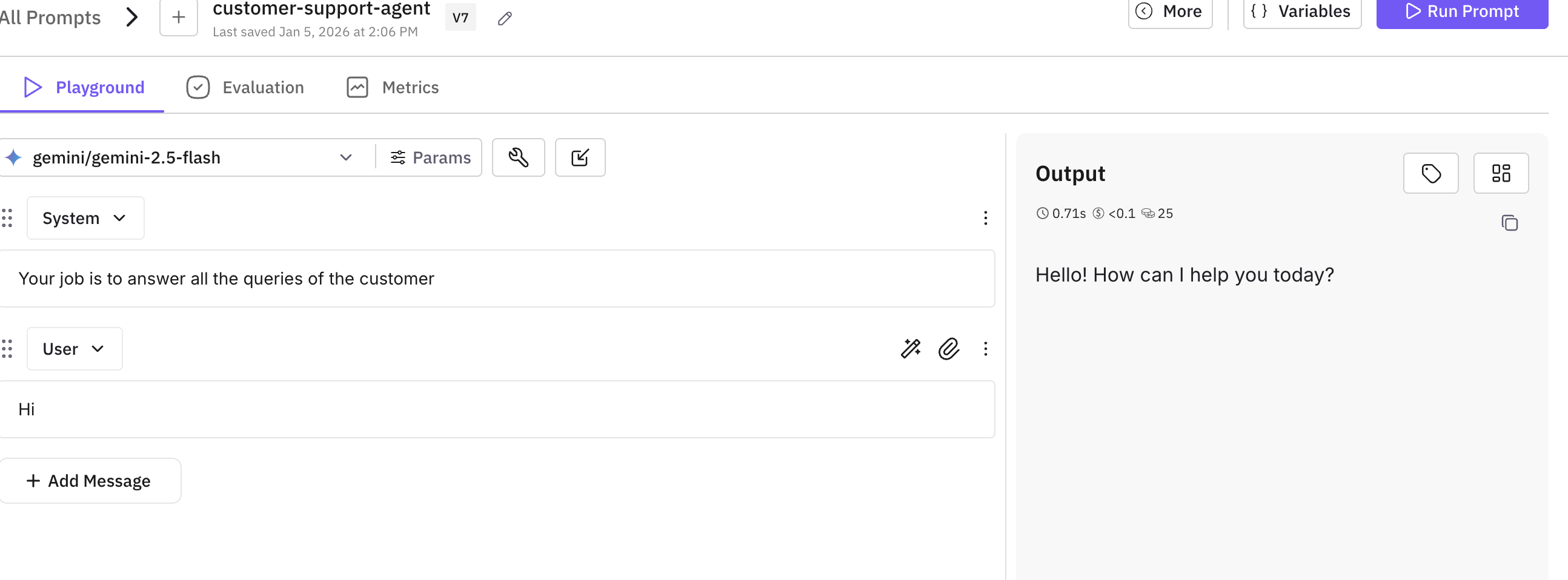
This cookbook demonstrates how to use the Future AGI SDK to simulate chat conversations with your AI agent. You’ll learn how to set up the environment, configure your agent, and run comprehensive simulations to test your chat agent’s performance.
Prerequisites: Before running this cookbook, make sure you have:
Created an agent definition in the Future AGI platform
Created scenarios for chat-type simulations (not voice type)
Created a Run Test configuration with evaluations and requirements
Configure your API keys to connect to the AI services. You’ll need:
Future AGI API keys for accessing the platform
LLM provider API key (e.g., OpenAI, Gemini, Anthropic) for the agent’s model
Uncomment the provider you’ll be using. For example, if using GPT models, uncomment the OPENAI_API_KEY line.
Copy
Ask AI
# Setup your API keysos.environ["FI_API_KEY"] = getpass("Enter your Future AGI API key: ")os.environ["FI_SECRET_KEY"] = getpass("Enter your Future AGI Secret key: ")os.environ["GEMINI_API_KEY"] = getpass("Enter your GEMINI API key: ")# os.environ["OPENAI_API_KEY"] = getpass("Enter your OpenAI API key (optional): ")# os.environ["ANTHROPIC_API_KEY"] = getpass("Enter your Anthropic API key (optional): ")
Define a function that creates your AI agent using LiteLLM:
Copy
Ask AI
def create_litellm_agent(system_prompt: str = None, model: str = "gpt-4o-mini"):
    """Creates the AI agent function using LiteLLM."""
    async def agent_function(input_data) -> str:
        messages = []

        # Add system prompt
        if system_prompt:
            messages.append({"role": "system", "content": system_prompt})

        # Add conversation history
        if hasattr(input_data, 'messages'):
            for msg in input_data.messages:
                content = msg.get("content", "")
                if not content:
                    continue
                role = msg.get("role", "user")
                if role not in ["user", "assistant", "system"]:
                    role = "user"
                messages.append({"role": role, "content": content})

        # Add new message
        if hasattr(input_data, 'new_message') and input_data.new_message:
            content = input_data.new_message.get("content", "")
            if content:
                messages.append({"role": "user", "content": content})

        # Call LiteLLM
        try:
            response = await litellm.acompletion(
                model=model,
                messages=messages,
                temperature=0.2,
            )
            if response and response.choices:
                return response.choices[0].message.content or ""
        except Exception as e:
            return f"Error generating response: {str(e)}"
        return ""

    return agent_function
Now run the simulation with your configured agent and test scenarios:
Copy
Ask AI
print(f"\n🚀 Starting simulation: '{run_test_name}'")print(f" Concurrency: {concurrency} conversations at a time")print(f" This may take a few minutes...\n")# Initialize the test runnerrunner = TestRunner( api_key=os.environ["FI_API_KEY"], secret_key=os.environ["FI_SECRET_KEY"],)# Run the simulationreport = await runner.run_test( run_test_name=run_test_name, agent_callback=agent_callback, concurrency=concurrency,)print("\n✅ Simulation completed!")print(f" Total conversations: {len(report.results) if hasattr(report, 'results') else 'N/A'}")print(f"\n📊 View detailed results in your Future AGI dashboard:")print(f" https://app.futureagi.com")
After running the evaluation, you’ll see a dashboard with key performance metrics. Instead of manually debugging issues, use the Fix My Agent feature to auto-diagnose root causes.