Personas
Create personas that represent the customers or users in your simulation tests for more realistic scenarios.
What it is
A persona defines who the simulated customer is during a test — their demographics, personality, and communication style. The simulator uses these traits to play the “customer” side of the conversation, making interactions feel realistic rather than scripted. You can use one of 18 pre-built personas or create your own. Personas are typed as voice or chat, each with settings specific to that channel.
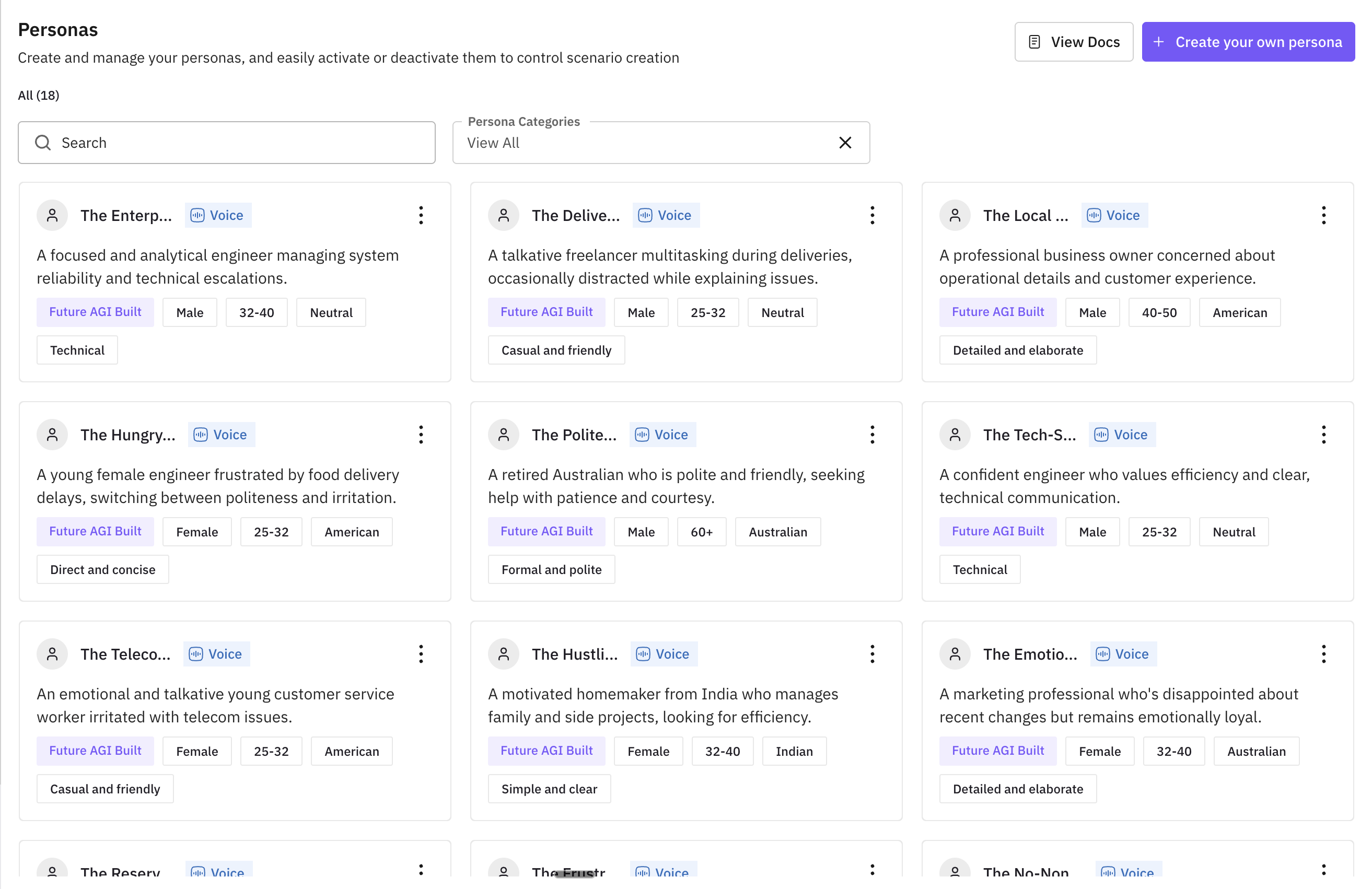
Voice vs Chat
When creating a custom persona, you select whether it is for voice or chat simulations.
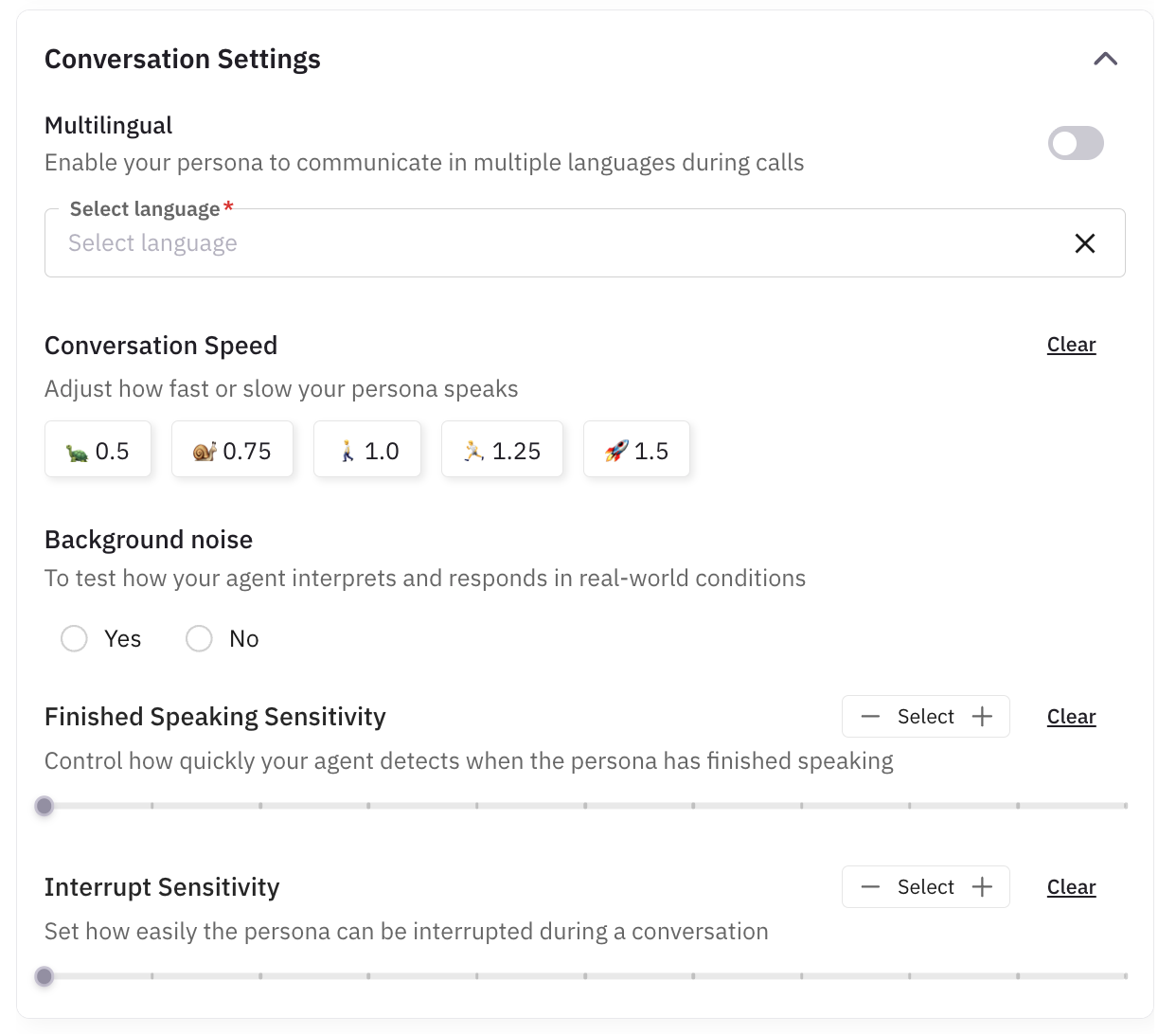
- Voice – Used in phone or voice-channel tests. You can set speech-related options: accent, conversation speed, background noise, and interrupt sensitivity (how easily the persona can be interrupted or can interrupt). Behavioural and basic-information settings apply to both.
- Chat – Used in text-based tests. You can set text-related options: tone, verbosity, punctuation style, emoji usage, slang, typos frequency, and regional mix. Basic information and behavioural settings apply to both.
The same persona is not shared across voice and chat; create separate personas if you need both for the same “type” of customer.
Creating a custom persona
From the Personas page, click Create your own persona. Choose Voice or Chat depending on whether the persona will be used in voice or chat simulations; the form then shows the relevant settings for that type. Follow the steps in the tab that matches your choice.
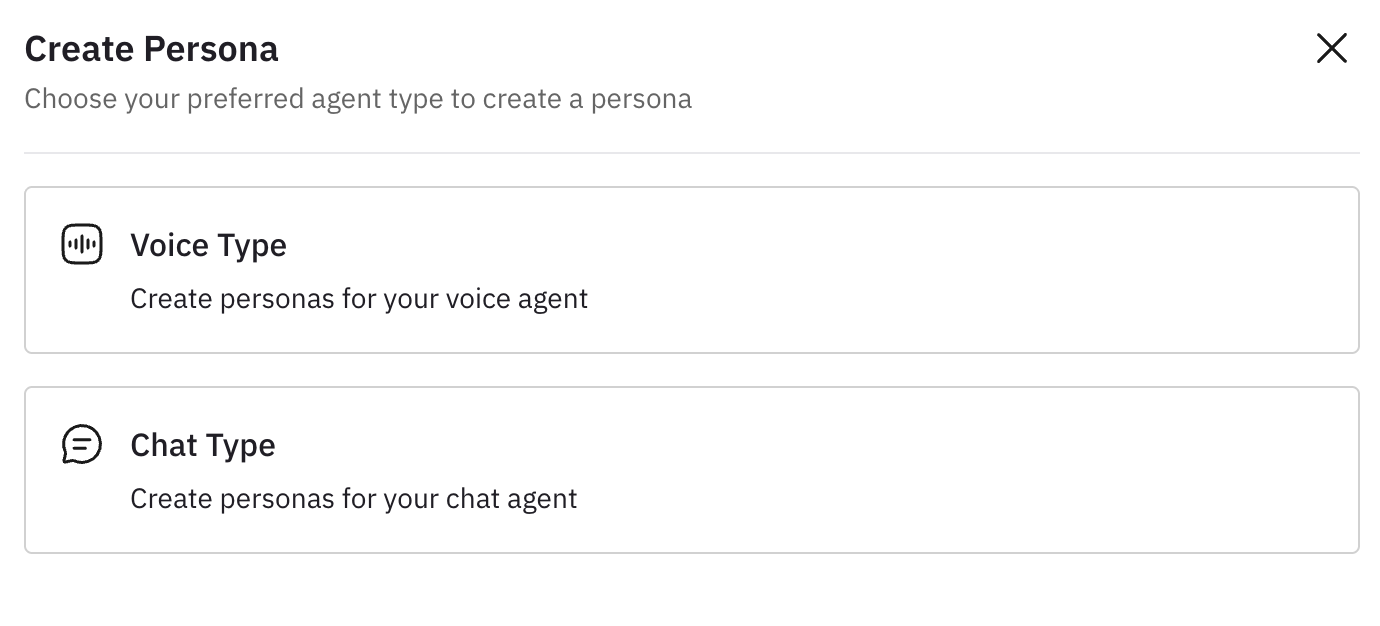
Use this flow when creating a persona for voice (phone or voice-channel) simulations.
Basic information
Enter the core details the simulator uses to identify this persona. Same fields as chat; all optional except name and description if required by the UI.
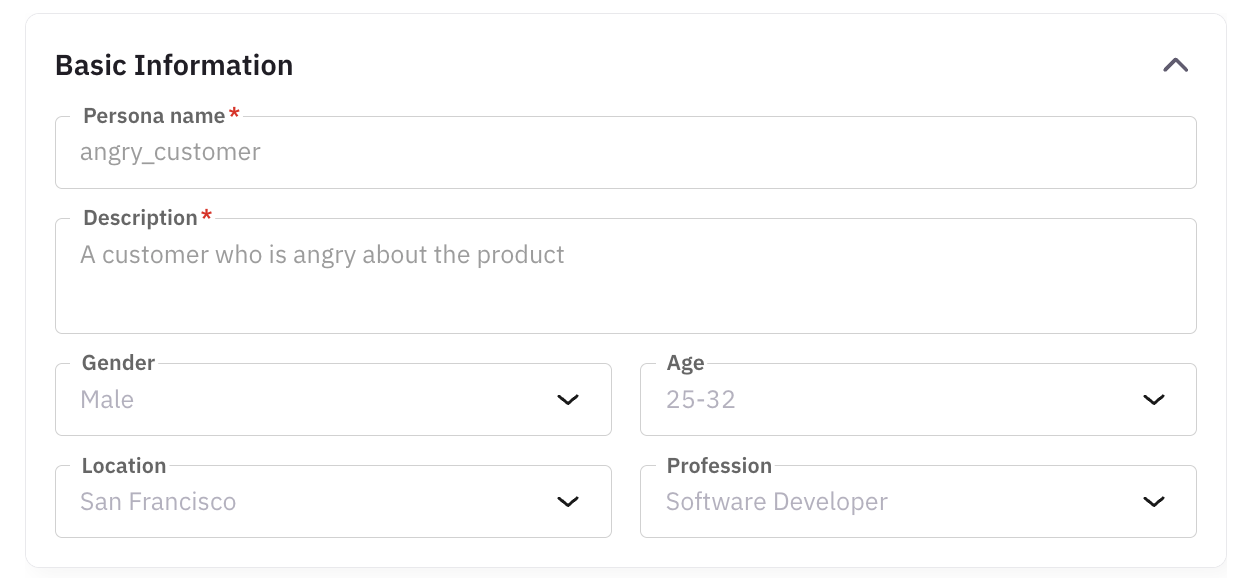
| Property | Description |
|---|---|
| Persona name | Name you give this persona (e.g. “Price-sensitive caller”). |
| Description | Short description, e.g. “An angry customer who is not happy with the service.” |
| Gender (optional) | One or more: Male, Female. |
| Age (optional) | One or more ranges: 18–25, 25–32, 32–40, 40–50, 50–60, 60+. |
| Location (optional) | One or more: United States, Canada, United Kingdom, Australia, India. |
Behavioural settings
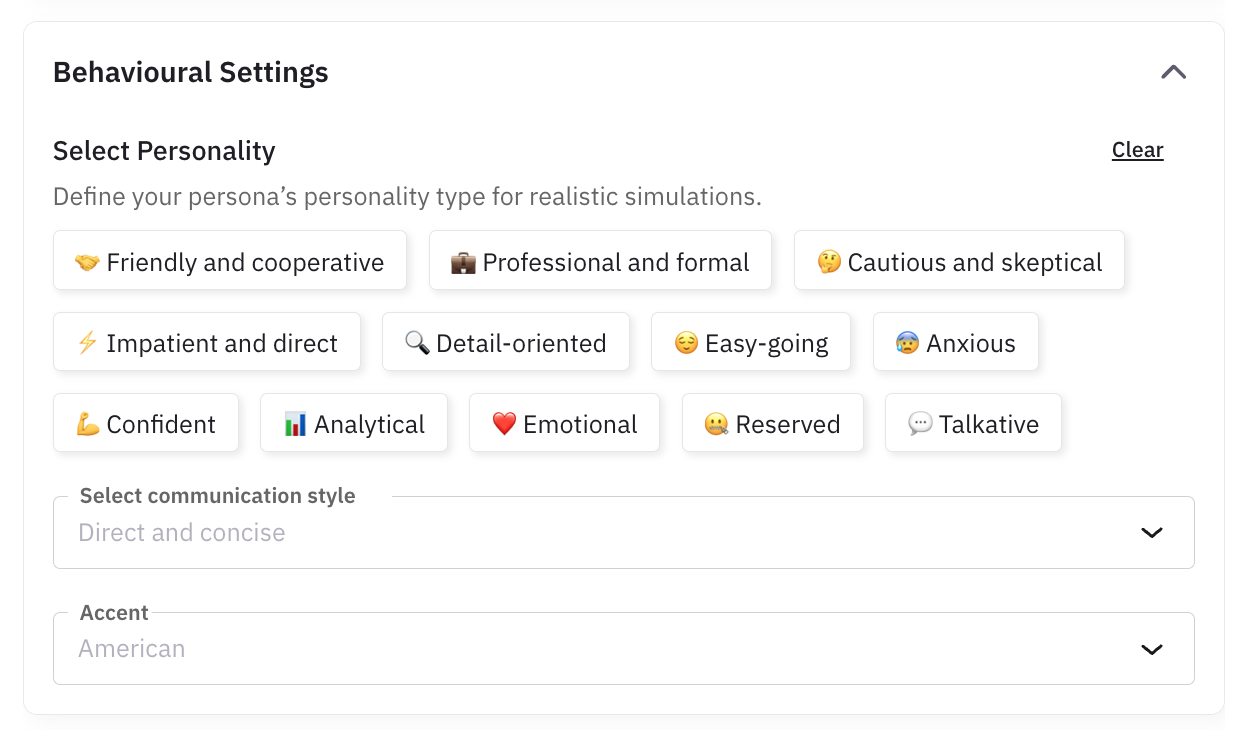
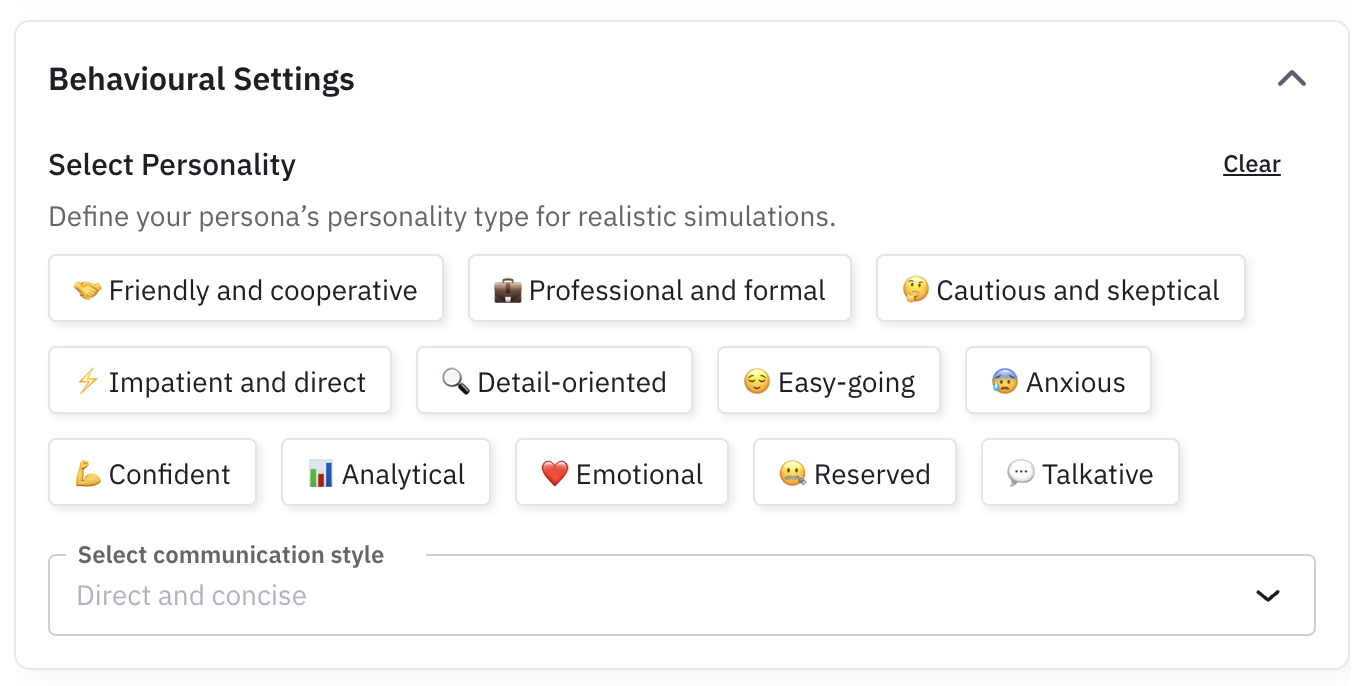
Set personality traits and communication style. For voice, also set accent (e.g. American, Australian, Indian, Neutral). This controls how the persona responds and speaks during the call.
Conversation settings (voice)
Control how the voice conversation runs: conversation speed (e.g. very slow, slow, moderate, fast, very fast), how the simulator responds, and background noise (on/off) for realism. You can also set interrupt sensitivity and finished-speaking sensitivity so the persona behaves naturally with turn-taking and interruptions.
Custom properties
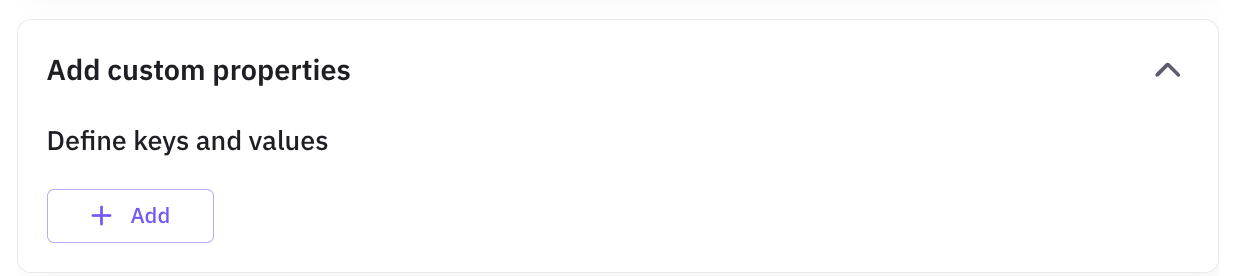
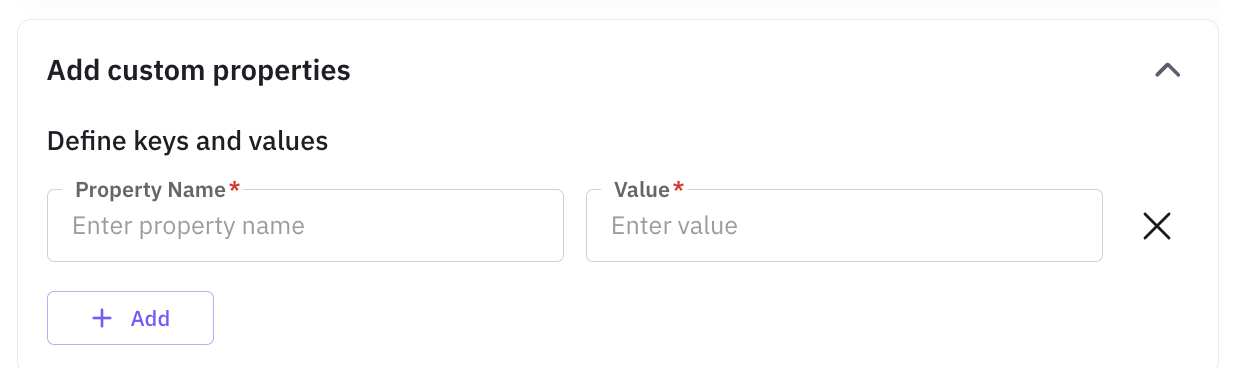
Add any extra attributes not covered by the predefined fields (e.g. “insurance_type”, “objection_pattern”) so scenarios can reference them.
Additional information
Add free-form instructions (e.g. “Always ask for a supervisor after the first objection.”).

Add persona
Click Add (or Save). The persona appears in your list and can be used in voice scenarios and run tests.
Use this flow when creating a persona for chat simulations.
Basic information
Enter the core details the simulator uses to identify this persona. Same fields as voice; all optional except name and description if required by the UI.
| Property | Description |
|---|---|
| Persona name | Name you give this persona (e.g. “Price-sensitive buyer”). |
| Description | Short description, e.g. “An angry customer who is not happy with the service.” |
| Gender (optional) | One or more: Male, Female. |
| Age (optional) | One or more ranges: 18–25, 25–32, 32–40, 40–50, 50–60, 60+. |
| Location (optional) | One or more: United States, Canada, United Kingdom, Australia, India. |
Behavioural settings
Set personality traits and communication style. These define how the persona types and responds in chat.
Conversation settings (chat)
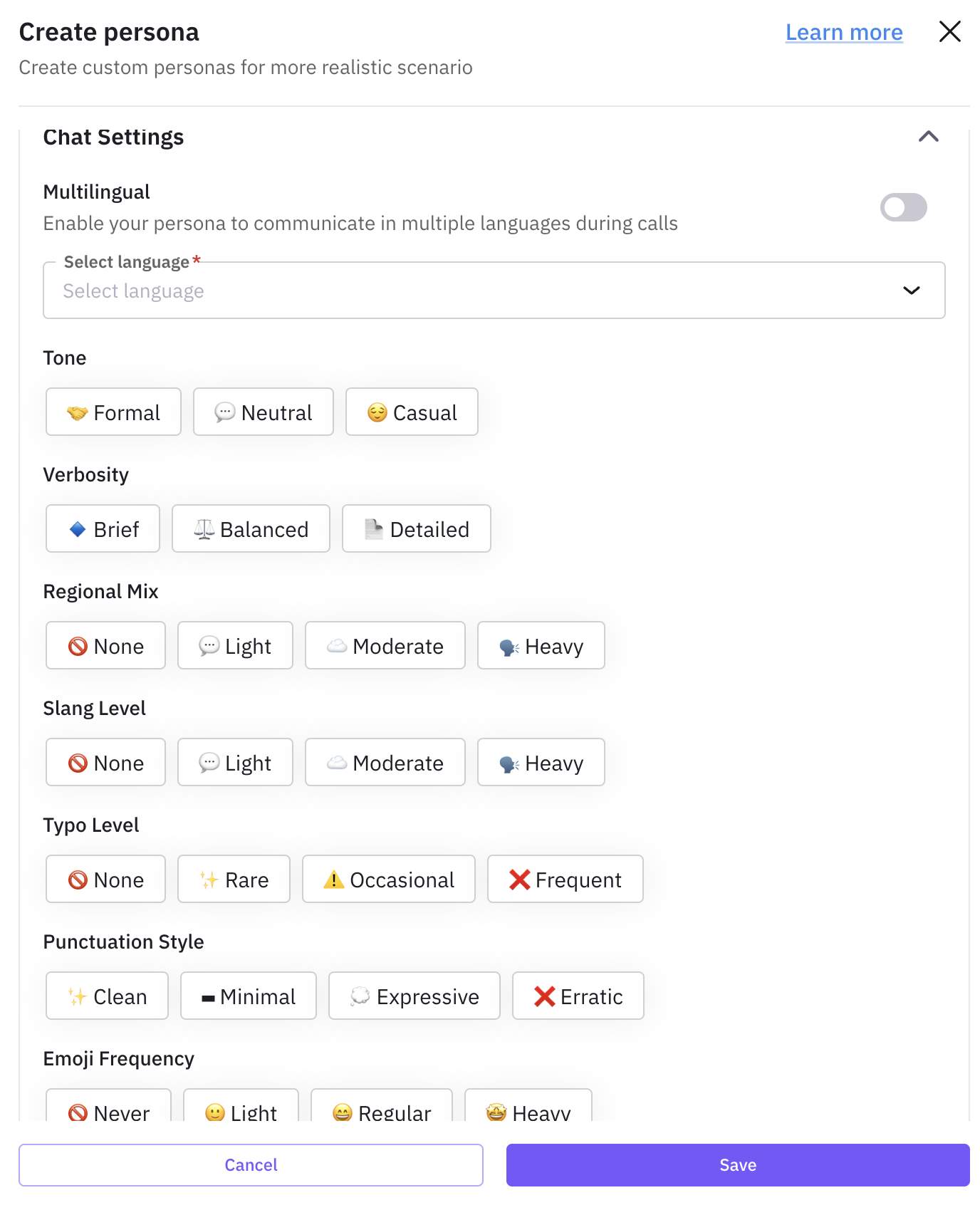
Control how the chat persona writes: tone (formal, casual, neutral), verbosity (brief, balanced, detailed), punctuation style (clean, minimal, expressive, erratic), emoji usage (never, light, regular, heavy), slang usage, typos frequency, and regional mix. These make the text feel realistic for the persona.
Custom properties
Add any extra attributes not covered by the predefined fields (e.g. “insurance_type”, “objection_pattern”) so scenarios can reference them.
Additional information
Add free-form instructions (e.g. “Always ask for a supervisor after the first objection.”).
Add persona
Click Add (or Save). The persona appears in your list and can be used in chat scenarios and run tests.