Observe Overview
Observe records every request your AI app makes as a trace you can open, search, and score. Send your first trace, then go deeper
Observe shows you what your AI app actually did in production. Every request becomes a trace: the step-by-step record of the model calls, tool calls, and retrievals behind one response. When an answer is wrong, slow, or expensive, you open the trace and read what happened instead of guessing.
You only need one trace to begin. Everything else here builds on it.
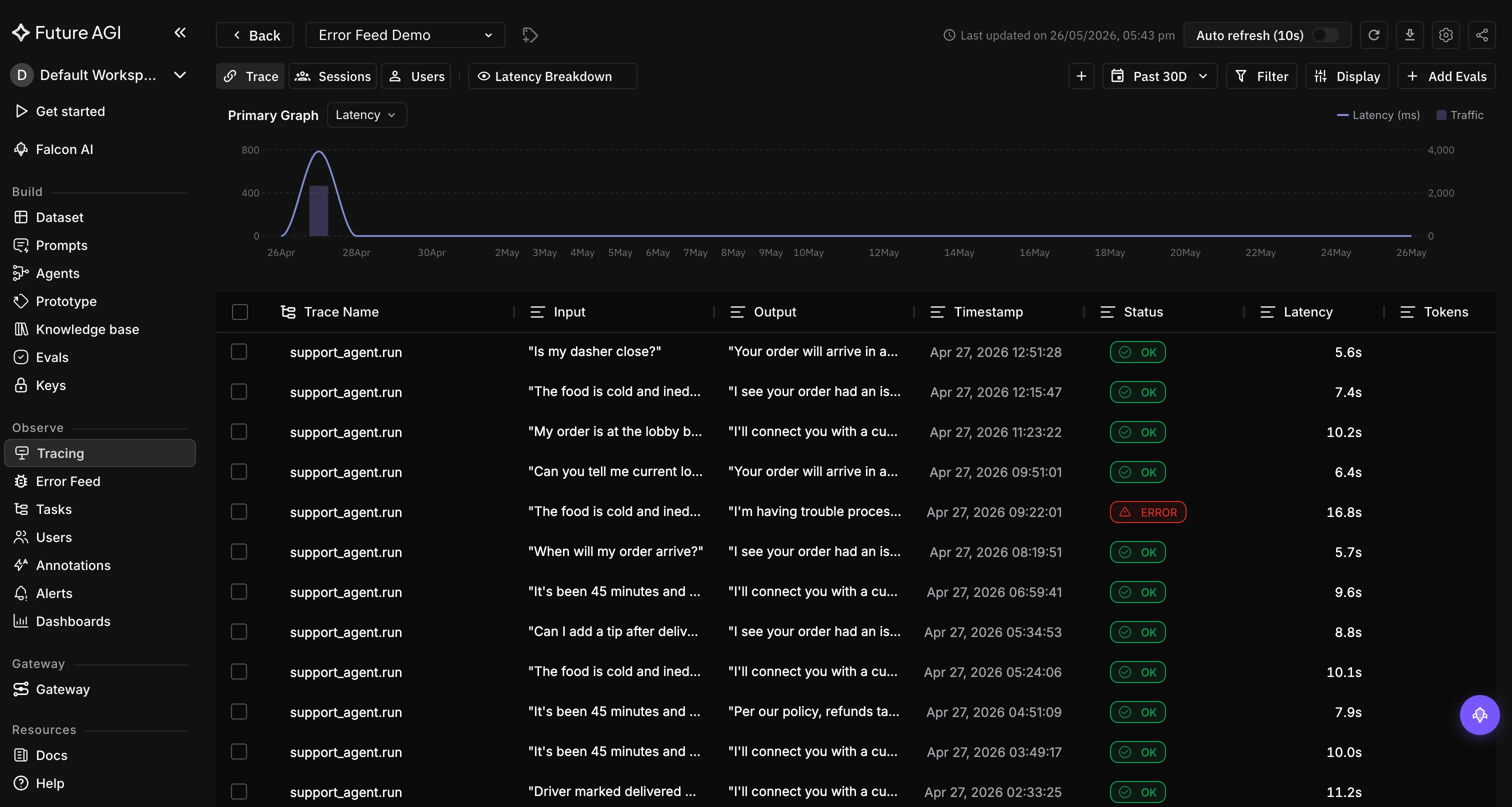
Every production request, captured as a trace and ready to inspect
Start here
Send your first trace
Instrument one call and watch it land in Observe, in about five minutes
Trace your framework
One line to trace OpenAI, Anthropic, LangChain, and 30+ more
Understand the model
A few short pages give you the whole mental model behind Observe. Read these and the rest of the product explains itself:
Observability model
How traces, spans, sessions, and scores fit together
Traces
What gets recorded for each request, and how the steps nest
Sessions
Follow a full conversation, or one customer across sessions
traceAI
The open library that sends your traces to Observe
Once your traces are flowing
Every other feature in Observe is just a different lens on the traces you capture:
Questions & Discussion