User Dashboard: Per-User Trace and Session Analytics
View all traces, sessions, and metrics per end user in one place so you can debug, analyze behavior, and optimize at the user level.
About
The user dashboard in Observe groups all traces and sessions by end user. Each user row shows aggregated metrics like cost, tokens, latency, error count, eval pass rate, and guardrail triggers. You identify users by setting a user.id attribute on your spans. Once the backend sees that attribute, it creates a user entry and links all matching spans to it. Open any user to see their full activity: traces, sessions, and metrics in one view.
When to use
- A user reports a bug: Open their row in the dashboard, see every trace and session they triggered, and pinpoint which request failed and why.
- Costs spike unexpectedly: Sort users by cost or token usage to find who is driving the increase and whether it is normal usage or a runaway loop.
- You need to measure engagement: Check activation date, last active, active days, and session counts per user to see who is adopting the product and who dropped off.
- Eval scores drop for a segment: Filter users by eval pass rate to find accounts with low quality scores, then drill into their traces to understand the pattern.
- Support asks “what happened to this user?”: Search by user ID, open their detail view, and walk through their traces and sessions without writing a single query.
How to
Associate spans with an end user
For a span to count under a user in the dashboard, it must carry a user identifier. In the OTLP path this comes from the span attribute user.id. When a span is ingested with this attribute (for an Observe project), the backend gets or creates an EndUser for that project and organization with that user_id (and optional user_id_type) and links the observation span to that end user. All spans with the same user.id in the same project contribute to that user’s metrics and appear in their detail view.
Set user attributes on a span
Set user.id (required). You can also set user.id.type (email, phone, uuid, custom), user.id.hash, and user.metadata (JSON) for display or filtering.
from fi_instrumentation import register, FITracer
from fi_instrumentation.fi_types import ProjectType
from opentelemetry.trace import Status, StatusCode

trace_provider = register(
    project_type=ProjectType.OBSERVE,
    project_name="PROJECT_NAME",
)
tracer = FITracer(trace_provider.get_tracer(__name__))

with tracer.start_as_current_span("SPAN_NAME") as span:
    span.set_status(Status(StatusCode.OK))
    span.set_attribute("user.id", "vivek.gupta")
    span.set_attribute("user.id.type", "email")  # email | phone | uuid | custom
    span.set_attribute("user.id.hash", "<hash_for_the_user.id>")  # optional
    span.set_attribute("user.metadata", {})  # optional
    span.set_attribute("input.value", "input")
    span.set_attribute("output.value", "output")
const { register, ProjectType } = require("@traceai/fi-core");
const traceProvider = register({
projectType: ProjectType.OBSERVE,
projectName: "FUTURE_AGI"
});
const tracer = traceProvider.getTracer("manual-instrumentation-example");
tracer.startActiveSpan("SPAN_NAME", {}, (span) => {
span.setAttribute("user.id", "vivek.gupta");
span.setAttribute("user.id.type", "email");
span.end();
});Set user for many spans (context)
To tag all spans in a block with the same user, use a context that sets user.id (and optional type/metadata) so every span in that block is linked to that end user. With the Python SDK you can use using_attributes and pass user_id (and optionally session_id).
from fi_instrumentation import using_attributes

with using_attributes(user_id="newuser@example.com", session_id="new-session"):
    response = client.chat.completions.create(
        model="gpt-3.5-turbo",
        messages=[{"role": "user", "content": "Write a haiku."}],
        max_tokens=20,
    )
View users in Observe
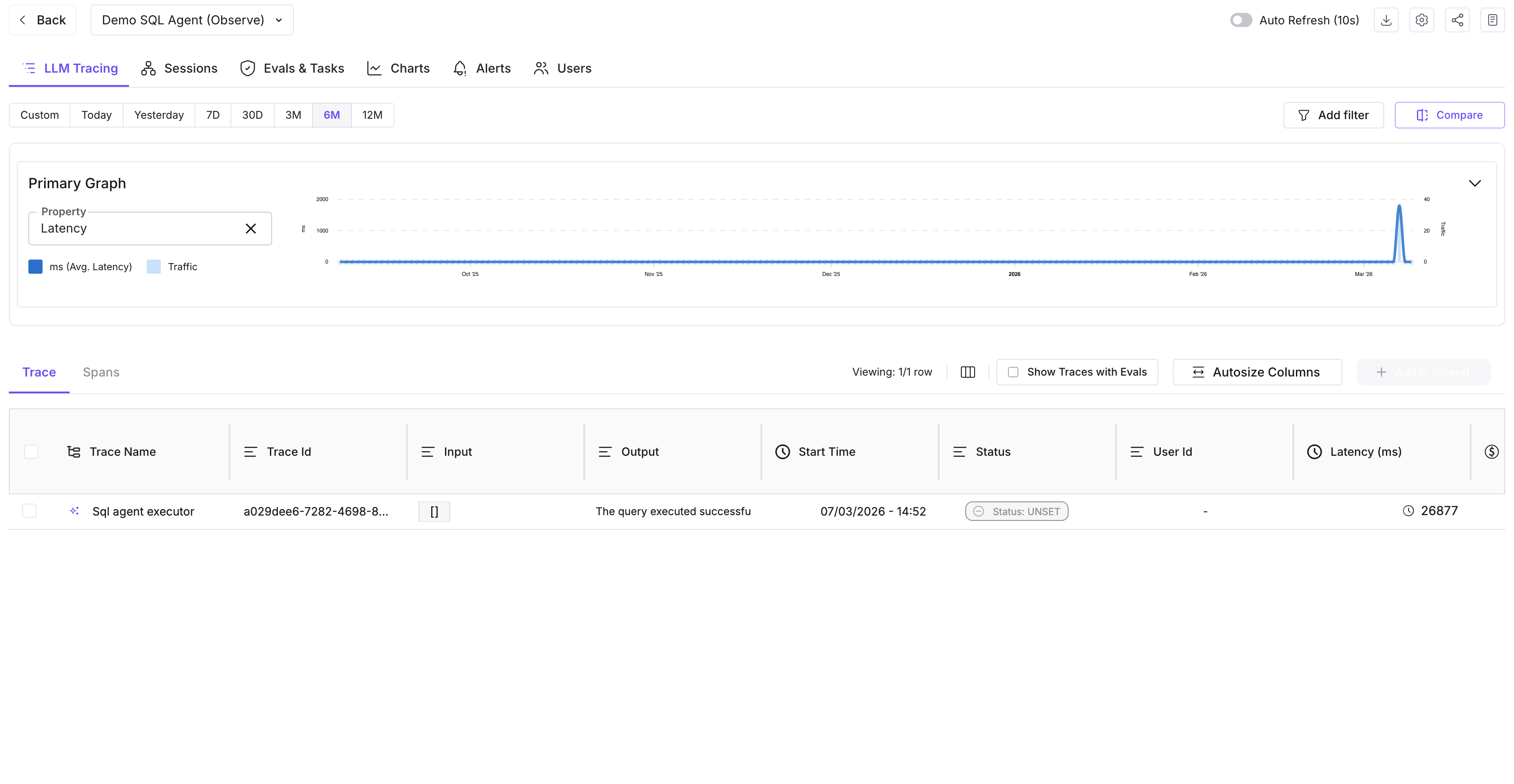
- Open the project and go to the Users (user dashboard) view.
- Table columns: user_id, activation date, last active, trace count, error count, session count, avg latency, LLM calls, eval pass rate, guardrail triggers, tokens, cost.
- Search by user ID; apply filters as needed.
- Click a user for detail: Summary metrics, Traces tab (trace ID, session, latency, input/output, evals, cost, annotations), Sessions tab (session ID, time range, trace count, evals, cost).
Note
End users are unique per project and organization by (user_id, user_id_type). Sending the same user.id (and type) on spans in the same Observe project ties those spans to one end user in the dashboard.
Next Steps
Questions & Discussion